
Optimizing Your Home Office for Peak Productivity and Comfort
The shift towards remote work has made the home office an essential space for many professionals, blurring the lines between personal and professional life. Creating an environment that fosters both high productivity and ergonomic comfort is no longer a luxury but a fundamental necessity for sustained well-being and efficiency. A thoughtfully designed home office can significantly impact daily output, reduce physical strain, and enhance mental focus, transforming a potentially distracting corner into a dedicated hub for professional success. Understanding the principles of ergonomic design, efficient organization, and environmental psychology allows individuals to craft a workspace tailored to their unique needs, ensuring that every hour spent is as effective and comfortable as possible. This comprehensive guide aims to provide practical insights and actionable strategies for optimizing your home office, enabling you to build a sanctuary that supports your professional aspirations and personal health, ultimately contributing to a more balanced and fulfilling work experience from home.
Ergonomics Fundamentals for a Healthy Workspace
Ergonomics is the science of designing and arranging things people use so that the people and things interact most efficiently and safely. In a home office, applying ergonomic principles can prevent discomfort, reduce the risk of repetitive strain injuries, and significantly improve overall well-being and productivity.
The Importance of a Proper Chair
Your office chair is arguably the most critical piece of ergonomic equipment. A good ergonomic chair supports the natural curve of your spine, offering adjustable features such as seat height, armrests, backrest tilt, and lumbar support. When seated, your feet should be flat on the floor or a footrest, with your knees forming a 90-degree angle. Your hips should be slightly higher than your knees, promoting an open hip angle that reduces pressure on your lower back. Adjustable armrests are also beneficial, allowing your forearms to be parallel to the floor when typing, taking pressure off your shoulders and neck.
Desk Height and Monitor Placement
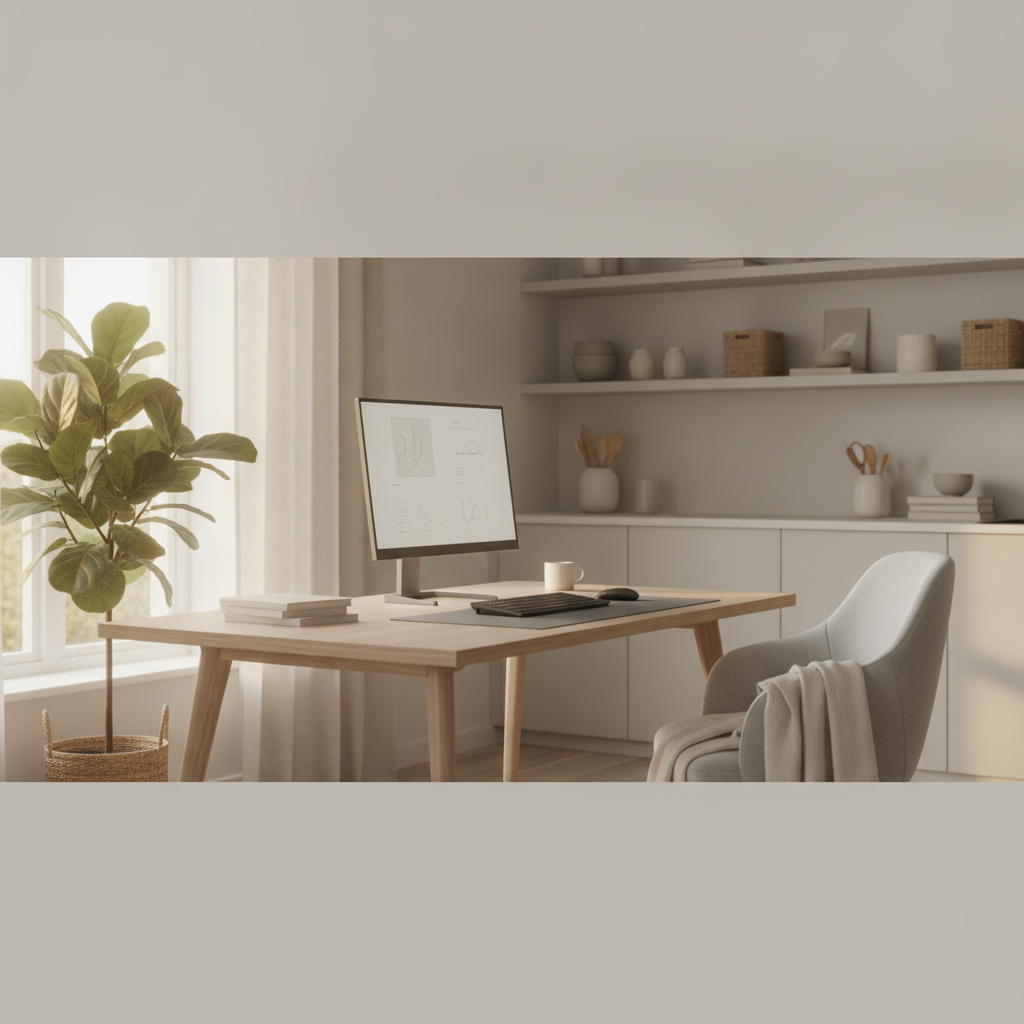
An appropriately sized desk is crucial. The ideal desk height allows you to sit with your elbows at a 90 to 100-degree angle when your hands are on your keyboard. If your desk isn't adjustable, consider a keyboard tray or a desk riser. Monitor placement is equally important. Your monitor should be positioned directly in front of you, about an arm's length away. The top of the screen should be at or slightly below eye level, which helps maintain a neutral neck position. If you use multiple monitors, arrange them so that your primary screen is centered, and secondary screens are positioned for minimal head turning. Utilize monitor stands or adjustable arms to achieve the correct height and distance, preventing neck and eye strain.
Keyboard and Mouse Positioning
Proper positioning of your keyboard and mouse is essential to avoid wrist and hand discomfort. Your keyboard should be close enough so that your elbows remain at a 90-degree angle and your wrists are straight, not bent up or down. A wrist rest can provide support but should be used during breaks, not while actively typing. Similarly, your mouse should be positioned close to the keyboard, allowing you to operate it without overreaching. Consider an ergonomic mouse that fits your hand comfortably, promoting a natural hand and wrist posture. Regularly alternating hands if possible, or using keyboard shortcuts, can also reduce strain on a single hand.
Lighting and Glare Reduction
Effective lighting in your home office can reduce eye strain and improve concentration. Aim for a combination of natural and artificial light. Position your desk to take advantage of natural light without direct glare on your screen. If your window creates glare, use blinds or curtains. For artificial lighting, overhead ambient light should be supplemented with task lighting, such as a desk lamp, to illuminate your workspace directly. Ensure the lighting is bright enough to prevent squinting but not so bright that it causes discomfort. Position lamps to avoid reflections on your monitor. Anti-glare screens can also be helpful in reducing reflections from ambient light sources.
Enhancing Productivity Through Organization
An organized workspace is a productive workspace. Clutter can be a significant source of distraction and can hinder your ability to focus on tasks. Implementing effective organizational strategies can create a clear, efficient environment.
Decluttering and Storage Solutions
Regularly declutter your desk by removing items you don't frequently use. For items you need, invest in smart storage solutions. File cabinets, desk organizers, shelves, and drawers can help keep documents, supplies, and personal items neatly tucked away. Labeling helps ensure that everything has a designated place, making it easy to find what you need and return it after use. Consider vertical storage options to maximize space, especially in smaller offices. A minimalist approach often works best, keeping only essential items within arm's reach.
Digital Organization Strategies
Physical clutter often mirrors digital clutter. Organize your digital files, folders, and desktop to improve efficiency. Create a logical folder structure for your documents, projects, and communications. Regularly clean up your desktop, keeping only active files there temporarily. Utilize cloud storage for easy access and backup, and implement a consistent naming convention for files. Email management is also key; consider using folders, labels, and archiving strategies to keep your inbox manageable and reduce cognitive load.
Minimizing Distractions
Identifying and minimizing distractions is crucial for sustained focus. This might involve setting up your office in a quiet area of your home, using noise-canceling headphones, or implementing specific
More from home living
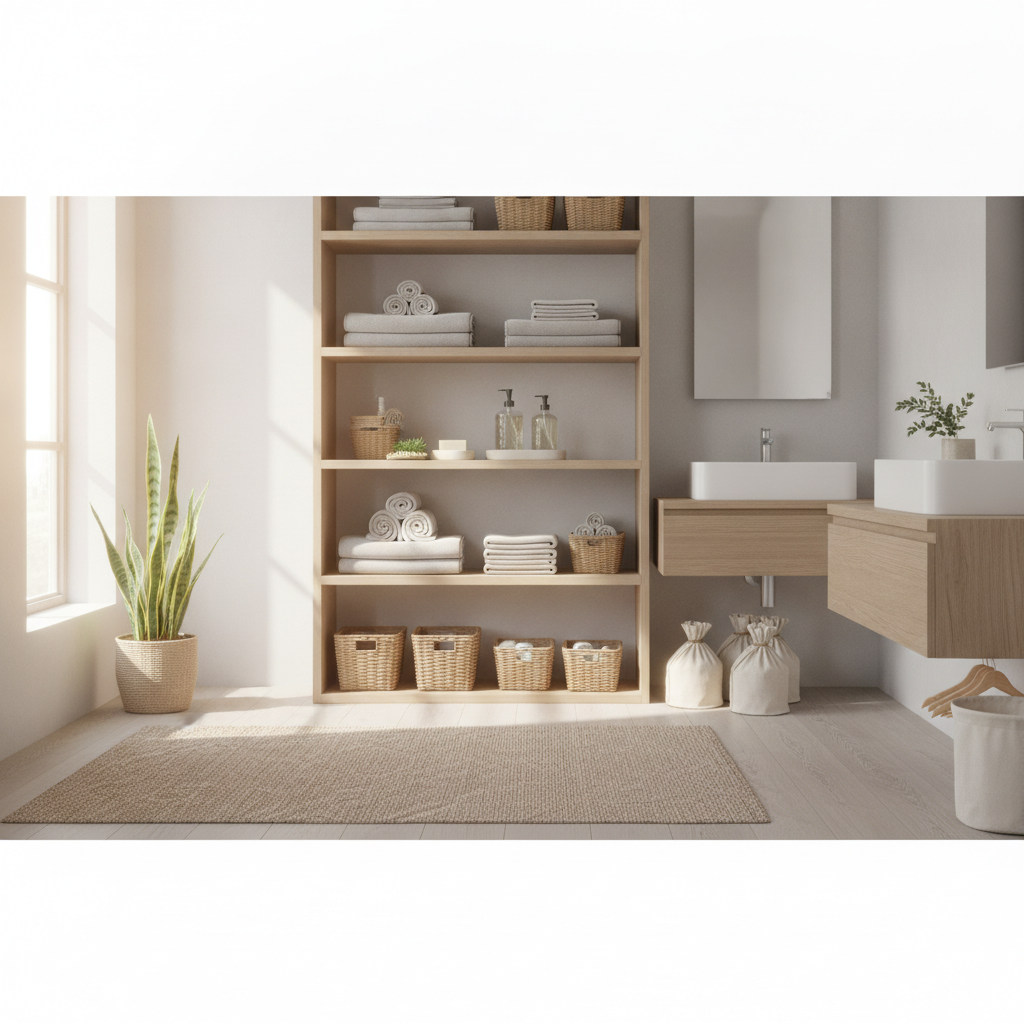
Smart Strategies for a Seamlessly Organized Bathroom Space
Transform your bathroom from cluttered chaos to a serene, functional space. Discover practical methods for organizing toiletries, linens, and cleaning supplies, enhancing daily routines and maintaining a tidy environment with ease.
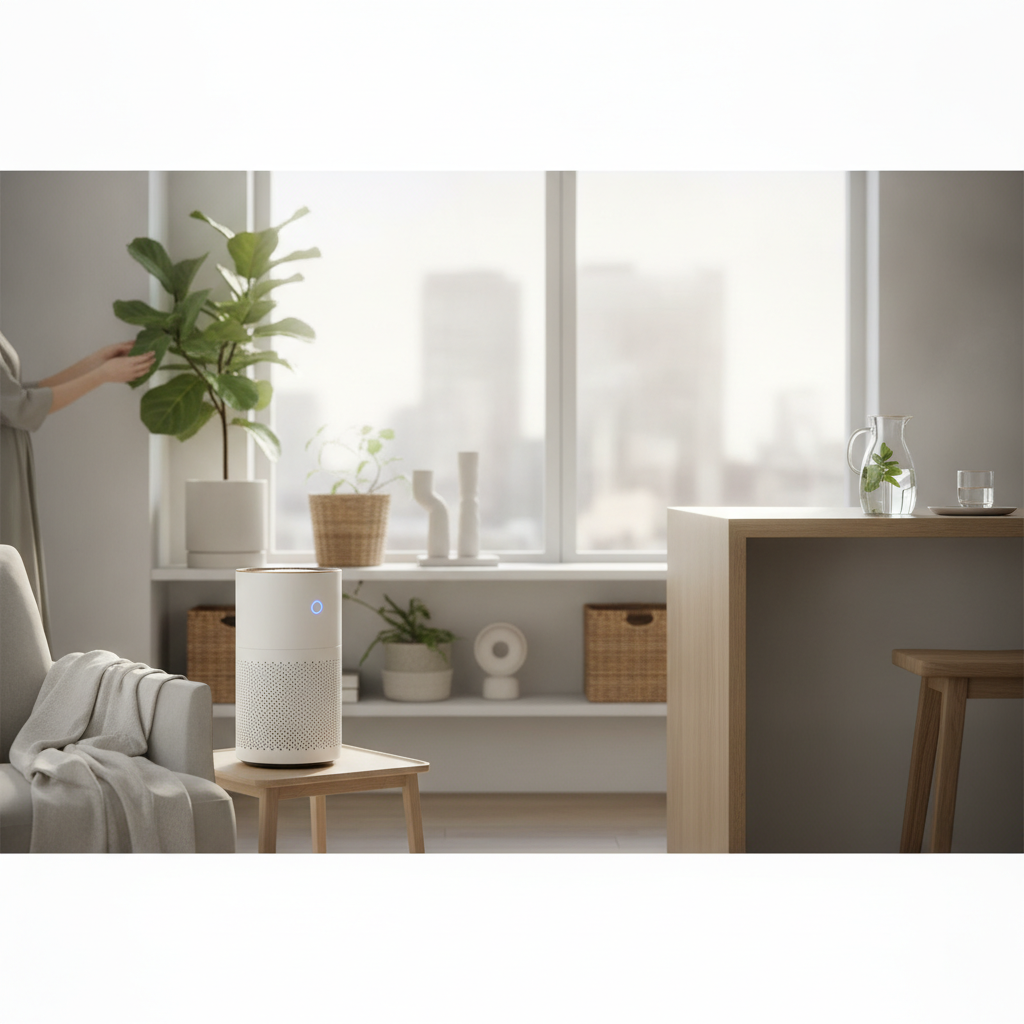
Selecting and Using Efficient Air Purifiers for Improved Indoor Air Quality
Discover how air purifiers can significantly enhance your home's indoor air quality. Learn about common pollutants, essential filtration technologies, and key factors for choosing the right device to create a healthier living environment.
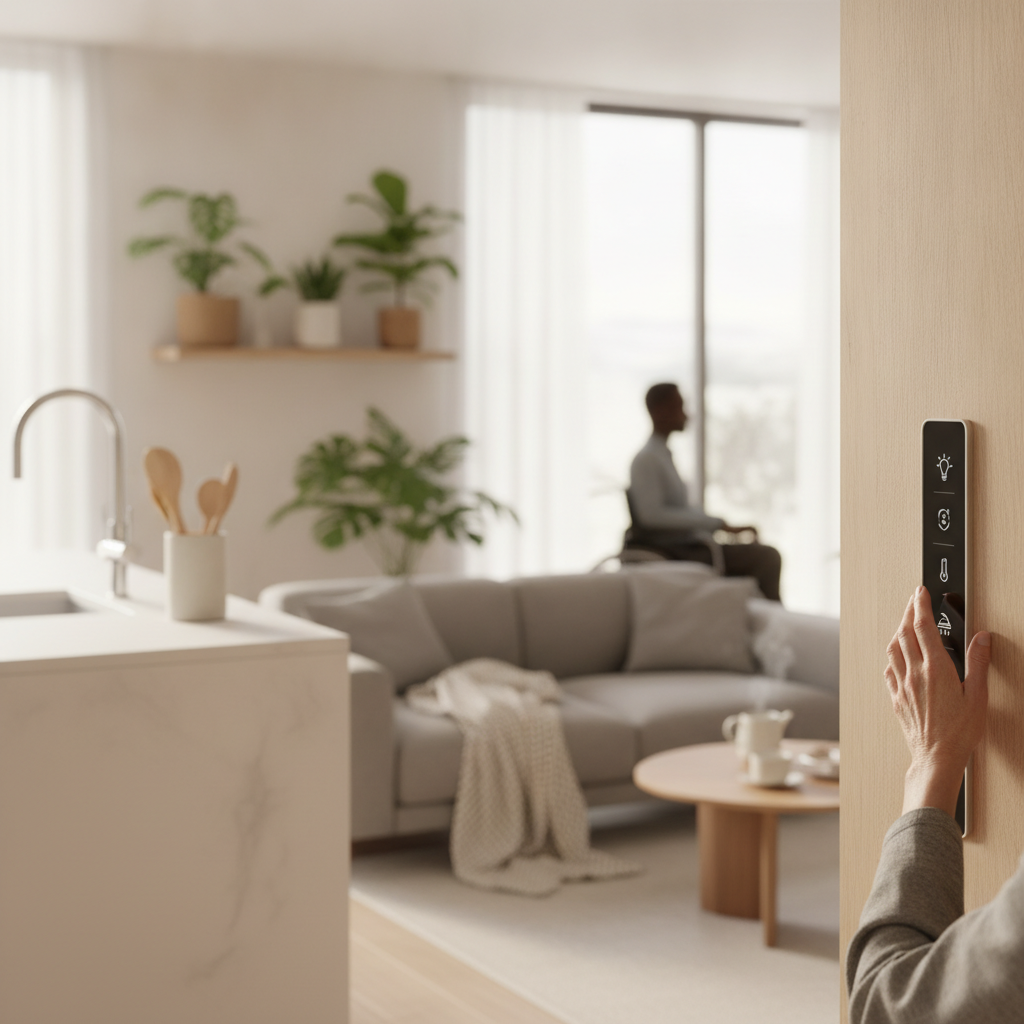
Smart Home Solutions for Enhanced Accessibility and Independent Living
Discover how smart home technology can significantly enhance accessibility and foster independent living for individuals of all abilities. Explore practical solutions for greater comfort, safety, and convenience in your daily routines.

Mastering Stain Removal: A Guide to Restoring Household Fabrics and Surfaces
Discover practical strategies for tackling common household stains on various fabrics and surfaces. This comprehensive guide provides actionable advice to help maintain the cleanliness and appearance of your home effectively.